 CarDocs
TIRE ROTATION · REPAIRS · REPLACEMENT
Keep tire service in your car’s history.
Record tire rotations, repairs, and replacements with the vehicle, date, mileage, and receipt. CarDocs makes past work easier to review before your next shop visit.
Get CarDocs on the App Store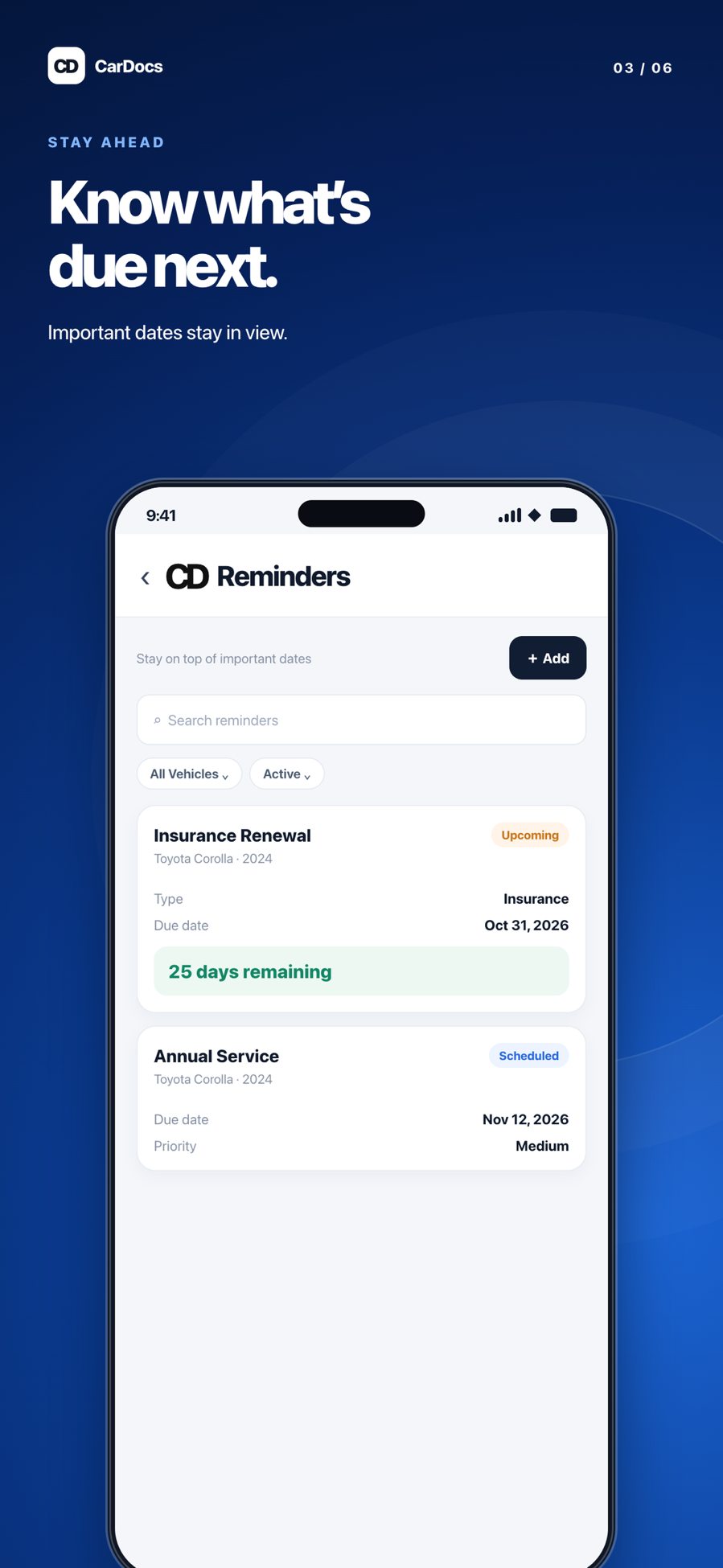
One maintenance record for work you will want to remember
Tire work is easy to forget until a shop asks when the set was installed or last rotated. A dated service record and receipt give you context that a loose invoice cannot. In CarDocs, tire service sits alongside other maintenance for the same vehicle.
How it works
Add a service record
Select the vehicle and record the tire rotation, repair, or replacement as its own visit.
Capture the details
Keep the date, odometer reading, notes, provider, and receipt where available.
Plan the next check
Review the history and use a reminder if a follow-up is due under your vehicle or tire maker’s guidance.
After a new set of tires
Save the installation invoice and mileage to the vehicle. At the next visit, you can check when the set was installed and what work was done without guessing from a photo timestamp.
Why CarDocs helps
Maintenance in context
Tire records sit near oil changes, inspections, and other service history.
Mileage alongside dates
An odometer reading makes a service record more useful than a date alone.
Evidence for questions later
Keep the shop receipt so you can check the work, product, or warranty information.
Explore CarDocs guides
Frequently asked questions
Does CarDocs decide when my tires need replacement?
No. Follow your vehicle and tire manufacturer’s guidance and ask a qualified technician to assess tire condition.
Can I set a tire rotation reminder?
You can track maintenance dates and use available reminders. Check the interval you enter against the guidance for your specific vehicle and tires.
Can I attach a tire receipt?
Yes. Keep supporting service paperwork with the vehicle so it is easier to find later.