 CarDocs
MAINTENANCE · RECEIPTS · MILEAGE
Keep a car service history you can actually find.
Track maintenance and repairs by vehicle, keep service records together, and see odometer history alongside the rest of your garage information.
Get CarDocs on the App Store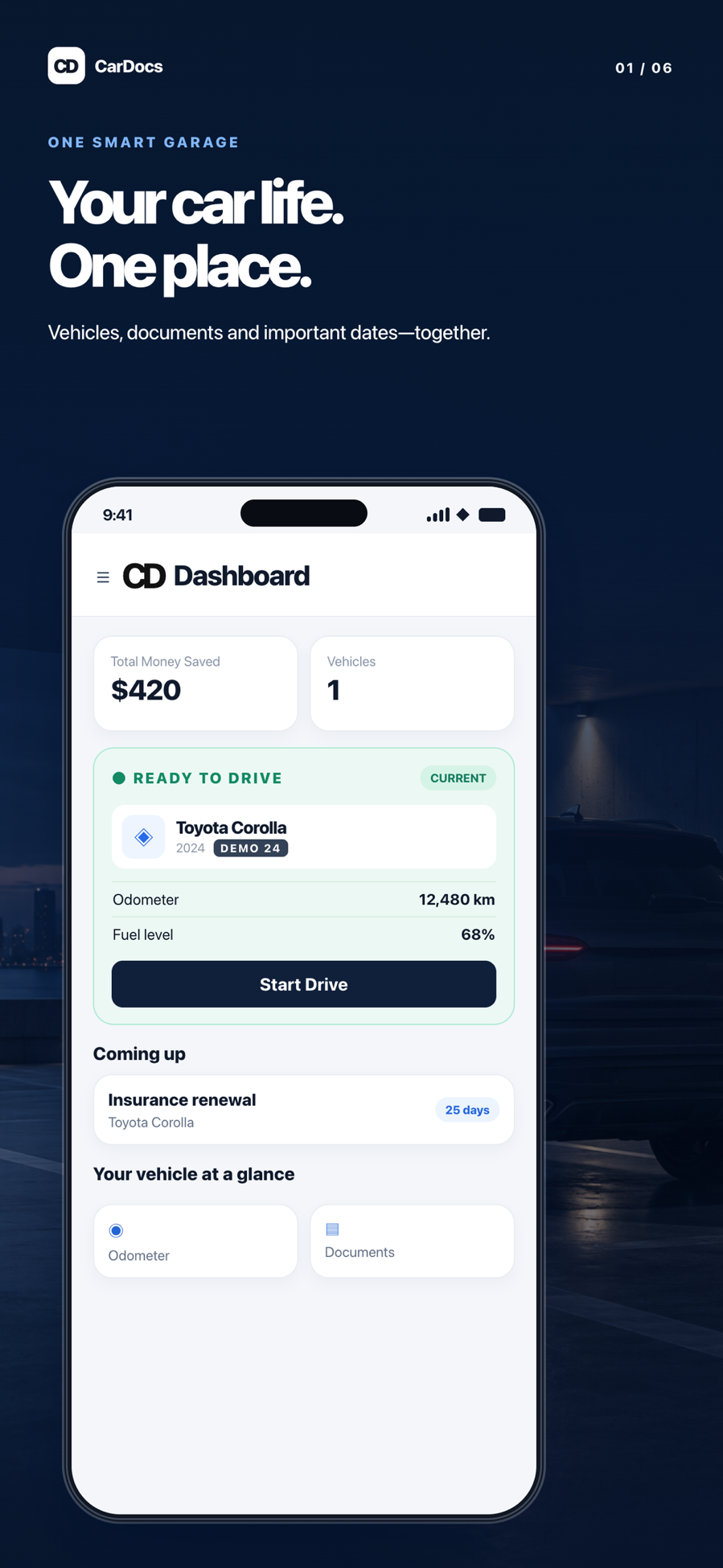
Turn receipts into a useful history
A pile of receipts does not tell the story of a car at a glance. CarDocs lets you organize service records with the vehicle they belong to, making it easier to look back at work completed and prepare for the next visit.
How it works
Record the visit
Add the service or repair record to the right vehicle after work is completed.
Keep the evidence
Save the related document or receipt so the details are available later.
Watch the timeline
Use maintenance dates, odometer readings, and reminders to understand when a follow-up may be needed.
A practical example
After replacing tires or changing oil, add the service record and receipt to that vehicle. At a future shop visit or when preparing to sell, the history is easier to review than a stack of unlabelled images.
Why CarDocs helps
Per-vehicle context
Keep repairs for one car separate from the records for another.
Dates and mileage together
Compare service timing with recorded odometer readings when planning maintenance.
Useful beyond the shop
A well-kept service history can help you answer questions about past work when you need to.
Explore CarDocs guides
Frequently asked questions
Does CarDocs perform or book service?
No. It is an organizer and reminder tool. A qualified service provider performs vehicle maintenance.
Can I keep receipts for multiple vehicles?
Yes. Add service records to each vehicle profile; available vehicle capacity depends on your plan.
Does CarDocs determine the correct maintenance interval?
Use your owner’s manual and qualified service advice for maintenance requirements. CarDocs helps you record history and track dates.