 CarDocs
REGISTRATION · INSURANCE · INSPECTIONS
See vehicle renewal dates before they surprise you.
CarDocs brings registration, insurance, and inspection records into one vehicle-focused view, with upcoming dates and reminders that help you plan ahead.
Get CarDocs on the App Store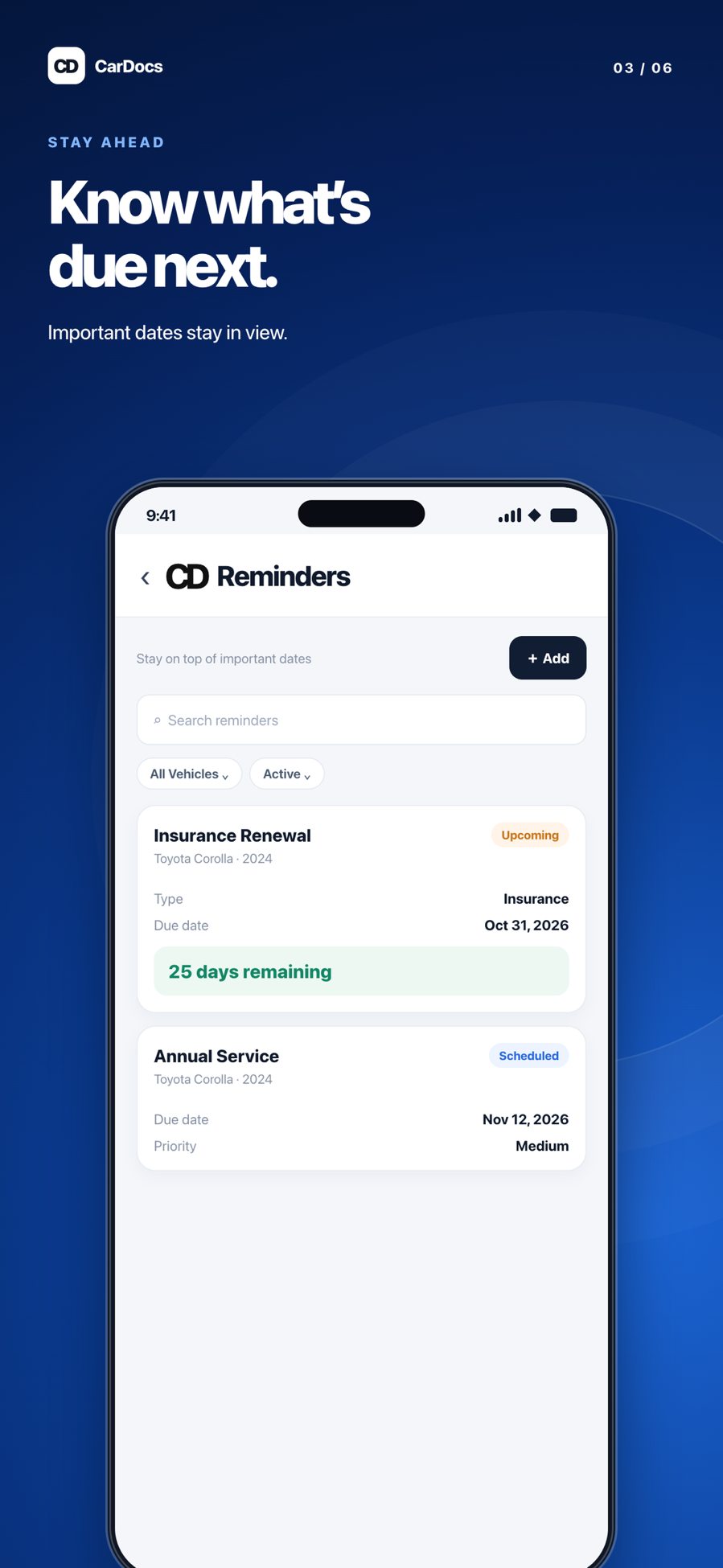
A clearer picture of what is due
The dates that matter to a driver often live in different places: an insurance email, a registration card, and an inspection report. CarDocs keeps those records with the vehicle they belong to, so you can check upcoming renewals without rebuilding a calendar from scratch.
How it works
Save the current record
Add the registration, policy, or inspection document to the matching vehicle.
Check the date
Review the expiration or renewal date. Correct scanned details when needed; a clear date is more useful than an unreadable photo.
Act before it expires
Use the upcoming-dates view and reminders as planning aids, then renew through the relevant state agency, insurer, or inspection provider.
A practical example
If your insurance policy renews in November but registration is due in January, CarDocs keeps those separate dates visible under the same vehicle. After renewal, add the new record and verify its updated date.
Why CarDocs helps
One vehicle, multiple deadlines
See the relationship between registration, insurance, and inspections without mixing vehicles.
Records behind the reminder
Open the saved document when you need to verify the issuer, policy, or inspection details.
A planning tool, not an agency
CarDocs does not renew a policy or registration for you; it helps you notice and organize what needs action.
Explore CarDocs guides
Frequently asked questions
Will CarDocs renew my registration or insurance?
No. Renewals happen with the issuing agency or insurer. CarDocs helps you keep the record and its date visible.
Are inspection requirements the same in every state?
No. Inspection types and schedules vary by location and vehicle. Use the requirements that apply to your vehicle and verify them with the responsible authority.
What if a scanned date is wrong?
Review the extracted information before relying on it and correct the record in the app if needed.